Authenticate with the LawVu API using OAuth 2.0.
The LawVu Developer API uses OAuth 2.0 for authentication. Currently, only the Authorization Code grant type is supported. Additional grant types may be supported in future.
See Managing Integration Clients guide for more information about obtaining an integration client ID & secret.
The authorization code flow involves three steps:
- Redirecting the user to LawVu to authenticate and grant consent, receiving back a short-lived authorization code via a redirect URI.
- Exchanging that authorization code for an access token and refresh token.
- Using the access token to make authenticated API calls, and the refresh token to obtain new tokens when the access token expires.
Once the initial token pair has been obtained, the refresh token can be used to maintain access indefinitely for server-to-server or unattended workflows - without requiring the user to re-authenticate on each run. However, the first token pair must always be obtained interactively, with a real user completing the login and consent flow.
A redirect URI is an endpoint within your own application that LawVu will send the user back to after they have authenticated and granted consent. It is typically a route in your integration's backend that receives the authorization code and exchanges it for tokens. Because LawVu hands off sensitive credentials to this address, it is important that it is a URL you own and control.
Redirect URIs must be HTTPS absolute URLs (or http://localhost) - relative paths are not permitted. The URI must also be identical across the authorization request and the token exchange; even a minor difference (such as a trailing slash or additional query parameter) will result in an error.
If you need to pass per-request data through the flow - for example, to identify which user or session initiated the request - use the state query parameter on the authorization URL rather than varying the redirect URI. LawVu will include the state value unchanged when redirecting the user back to your application.
- Sandbox: Any redirect URI is accepted - no pre-registration is required.
- Production: Add each redirect URI to the Redirect URLs section on the Manage Integration Client page. Requests using a redirect URI that is not listed there will be rejected.
Rather than issuing permanent access tokens, LawVu access tokens expire after a short period. Refresh tokens provide a way to obtain a new access token and refresh token pair without requiring the user to re-authenticate - this process is defined by the OAuth 2.0 RFC.
Refresh tokens are single use - each time you refresh, a new pair is issued and the previous refresh token is invalidated.
Refresh tokens can also become invalid, for example, if the token expires or if access is revoked by a user (see Handling errors). Your integration should handle these cases gracefully: when a refresh attempt returns an error, the integration should re-initiate the authorization code flow to obtain a fresh token pair.
When exchanging an auth code for an access token, the lifetime is determined by whether a client_secret is used during the token request:
| Refresh token lifetime | How to |
|---|---|
| 30 days | Provide a client_secret in token requests |
| 1 day | No client_secret provided in token requests |
A client_secret should only be used when it can be stored and transmitted securely - for example, in a server-side backend application where the secret is never exposed to end users. Applications that run entirely on the client side (such as single-page applications) must not use a client_secret, as there is no safe way to store it - any secret embedded in or accessible from client-side code should be considered compromised.
The lifetime of an access token is returned as standard OAuth claims (expires_in, expires) in the token response - see Getting an access and refresh token for details.
All API calls made using a token issued through the authorization code flow are executed under the security context of the user who granted consent. This means the authenticated user's roles, permissions, and data access restrictions apply to every request made with that token - the same as if that user were performing the action themselves in LawVu.
When designing your integration, you should ensure that the user account used to authorize access has the appropriate level of permissions for the workflows your integration needs to perform.
The following sections walk through each step of the authorization code flow.
The authorization code flow begins with the client directing the user to the authorize endpoint:
GET https://{web_host}/#/authorize?response_type=code
  &client_id={client_id}
&redirect_uri={redirect_uri}| Parameter | Description |
|---|---|
{web_host} | The host name used to serve the interactive login/authorize interface. For a developer sandbox environment, use For Production, use |
| {client_id} | The client ID which identifies your application or integration. |
{redirect_uri} | The URI LawVu will redirect the user back to after they grant consent, including the authorization code as a query parameter. See Redirect URIs for requirements. Tip: You should URI encode this parameter. |
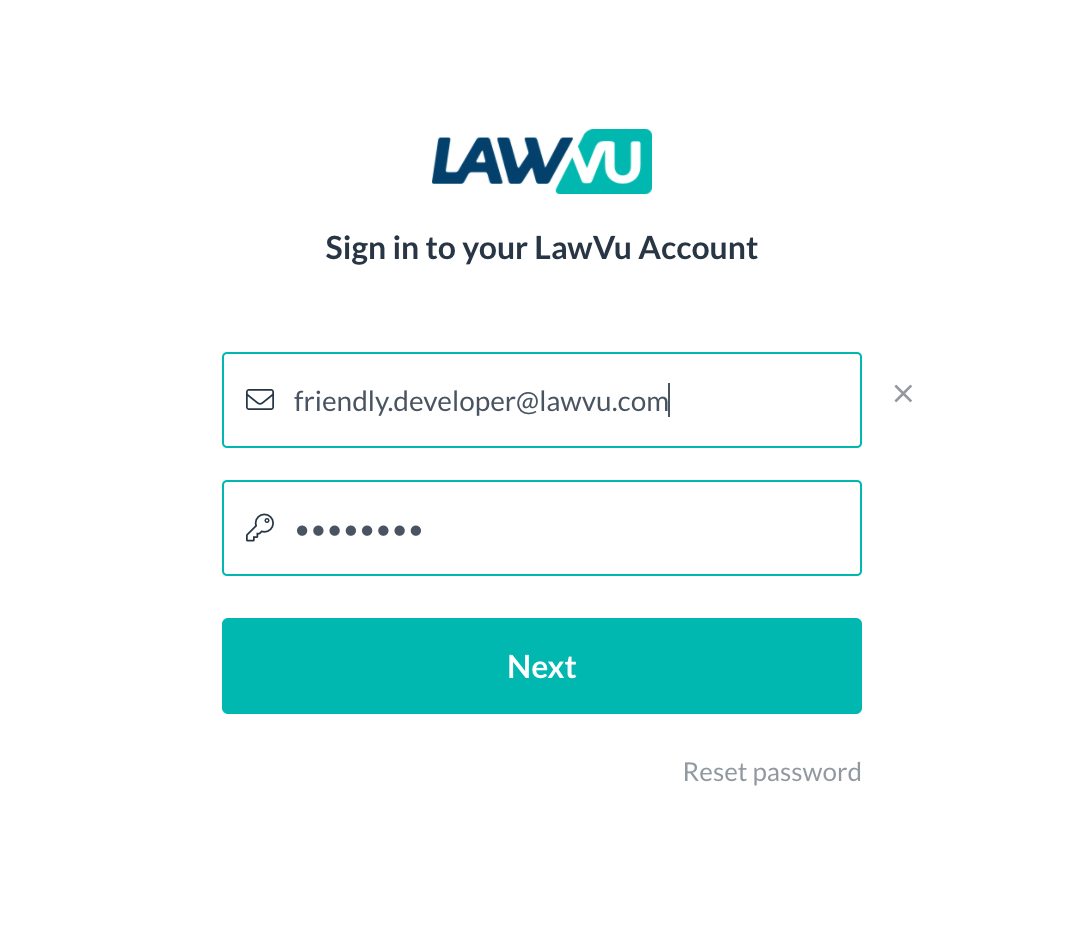
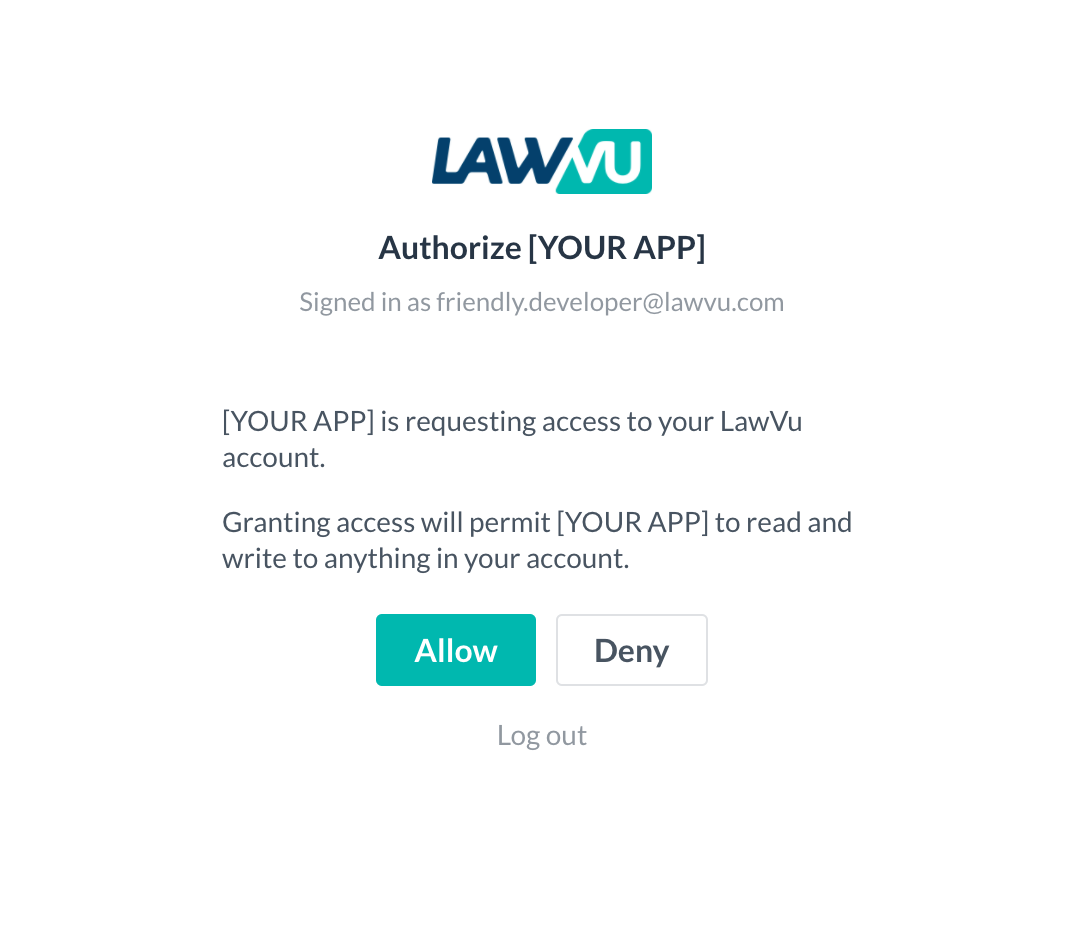
GET https://demo.lawvu.com/#/authorize?response_type=code&client_id=acme-inc&redirect_uri=https%3A%2F%2Facme-inc.com%2FauthOnce the user is redirected to the sign-in link, they will see a login screen (authenticated via SSO) followed by a standard, one-time consent screen:
At this point, the redirect URI specified in the previous section is called, along with a short-lived "code" query parameter (also known as the auth code).
This auth code can be redeemed for an access and refresh token pair using the token endpoint.
POST https://{api_host}/account-apis/v1/auth/token
Content-Type: application/x-www-form-urlencoded

# line breaks added for readability
code={code}
&grant_type=authorization_code
&client_id={client_id}
&client_secret={client_secret}
&redirect_uri={redirect_uri}| {api_host} | The host name of the API gateway.
|
| Parameter | Description |
|---|---|
| Supplied in the body – application/x-www-form-urlencoded | |
| {code} | Use the auth code supplied in the Getting an auth code step. |
| {grant_type} | Always set to authorization_code. |
| {client_id} | The client ID which identifies your application or integration. |
| {client_secret} | (Optional) The client secret corresponding to your application or integration. |
| {redirect_uri} | Needs to match the value used as a redirect_uri in the Getting an auth code step. |
| Response Property | Description |
|---|---|
{access_token} | An access token which can be used to perform authenticated API calls. Note: LawVu API access tokens are Base64-encoded JWT tokens, which include claims containing useful information about the authenticated user. See the Decoding access tokens section for more information. |
| {refresh_token} | Token that can be used to exchange for a new access_token and refresh_token before or after the previous access token has expired. See refresh token lifetimes. |
| {expires_in} | Seconds until the access token is no longer valid (time to live). |
| {expires} | UTC timestamp indicating when the access_token will no longer be valid for making authorized requests. |
POST /account-apis/v1/auth/token
Host: api-sandbox.lawvu.com
Content-Type: application/x-www-form-urlencoded

# line breaks added for readability
code=SplxlOBeZQQYbYS6WxSbIA
&grant_type=authorization_code
&client_id=acme-inc
&client_secret=your-client-secret
&redirect_uri=https%3A%2F%2Facme-inc.com%2FauthAll calls to API endpoints must be authenticated using an access token.
The access token must be provided as a bearer token in the Authorization HTTP header.
GET https://{api_host}/account-apis/v1/users
Authorization: Bearer {access_token}POST https://{api_host}/account-apis/v1/auth/token
Content-Type: application/x-www-form-urlencoded
# line breaks added for readability
grant_type=refresh_token
&refresh_token={refresh_token}
&client_id={client_id}
&client_secret={client_secret}| {api_host} | The host name of the API gateway.
|
| Parameter | Description |
|---|---|
| Supplied in the body – application/x-www-form-urlencoded | |
| {refresh_token} | Use the previously issued refresh_token. |
| {grant_type} | Always set to refresh_token. |
| {client_id} | The client ID which identifies your application or integration. |
| {client_secret} | (Optional) The client secret used during Getting an access and refresh token. Omit this parameter if a client secret was not provided in that step. |
POST /account-apis/v1/auth/token
Host: api-sandbox.lawvu.com
Content-Type: application/x-www-form-urlencoded

# line breaks added for readability
grant_type=refresh_token
&refresh_token=tGzv3JOkF0XG5Qx2TlKWIA
&client_id=acme-inc
&client_secret=your-client-secret
The response shape is identical to Getting an access and refresh token - store the new access_token, refresh_token and expires values, replacing the previous ones.
The access tokens returned by the LawVu API are Base64-encoded JSON Web Tokens (JWT).
Once decoded, you can read useful information from the "claims" stored within, such as the authenticated user's ID, name and Organization ID.
{
  "sub": "user-id-123",
  "name": "Jane Smith",
  "organisationId": "org-id-456",
  "exp": 1740000000,
  "iat": 1739996400
}Here is a list of some common errors and how you might resolve them.
Required parameter missing from request url: redirect_uri- Ensure you have included a query parameter
redirect_uri={your_redirect_uri}in the URL.
- Ensure you have included a query parameter
Required parameter missing from request url: client_id- Ensure you have included a query parameter
client_id={your_client_id}in the URL.
- Ensure you have included a query parameter
Supplied parameter does not match a whitelisted value: redirect_uri- The redirect URI is not registered for this client. Ensure the
redirect_urimatches a URL in the Redirect URLs section on the Manage Integration Client page. This error only applies to production clients - sandbox clients accept any redirect URI.
- The redirect URI is not registered for this client. Ensure the
Required parameter missing from request body: grant_type- Ensure that you have included a
grant_typeparameter in the body of your request.
- Ensure that you have included a
Required parameter missing from request body: client_id- Ensure that you have included a
client_idparameter in the body of your request.
- Ensure that you have included a
Required parameter missing from request body: code- Ensure that you have included a
codeparameter in the body of your request.
- Ensure that you have included a
Supplied authorization_code is not valid or has expired- The code provided is invalid. Ensure the code is correct, has not already been used, and was issued to the same
client_id.
- The code provided is invalid. Ensure the code is correct, has not already been used, and was issued to the same
Supplied redirect URI doesn't match the one used for authorize endpoint ({redirect_uri})- Ensure the
redirect_uriprovided matches exactly the redirect URI used when generating the authorization code.
- Ensure the
Client is not valid: "{your_client_id}"- The
client_idsupplied is not a registered client, or the client has been disabled.
- The
Supplied parameter is not correct: client_secret- The
client_secretvalue is incorrect for the providedclient_id. Ensure you are using the secret provided by LawVu.
- The
Refresh token is not valid- The
refresh_tokenis invalid. Ensure it is correct, has not already been used, and was issued to the sameclient_id.
- The
Supplied refresh_token expired at '{utc_time}'- The refresh token has expired. The user will need to re-authenticate to obtain a new token pair. See refresh token lifetimes for details.